

Bolt AI
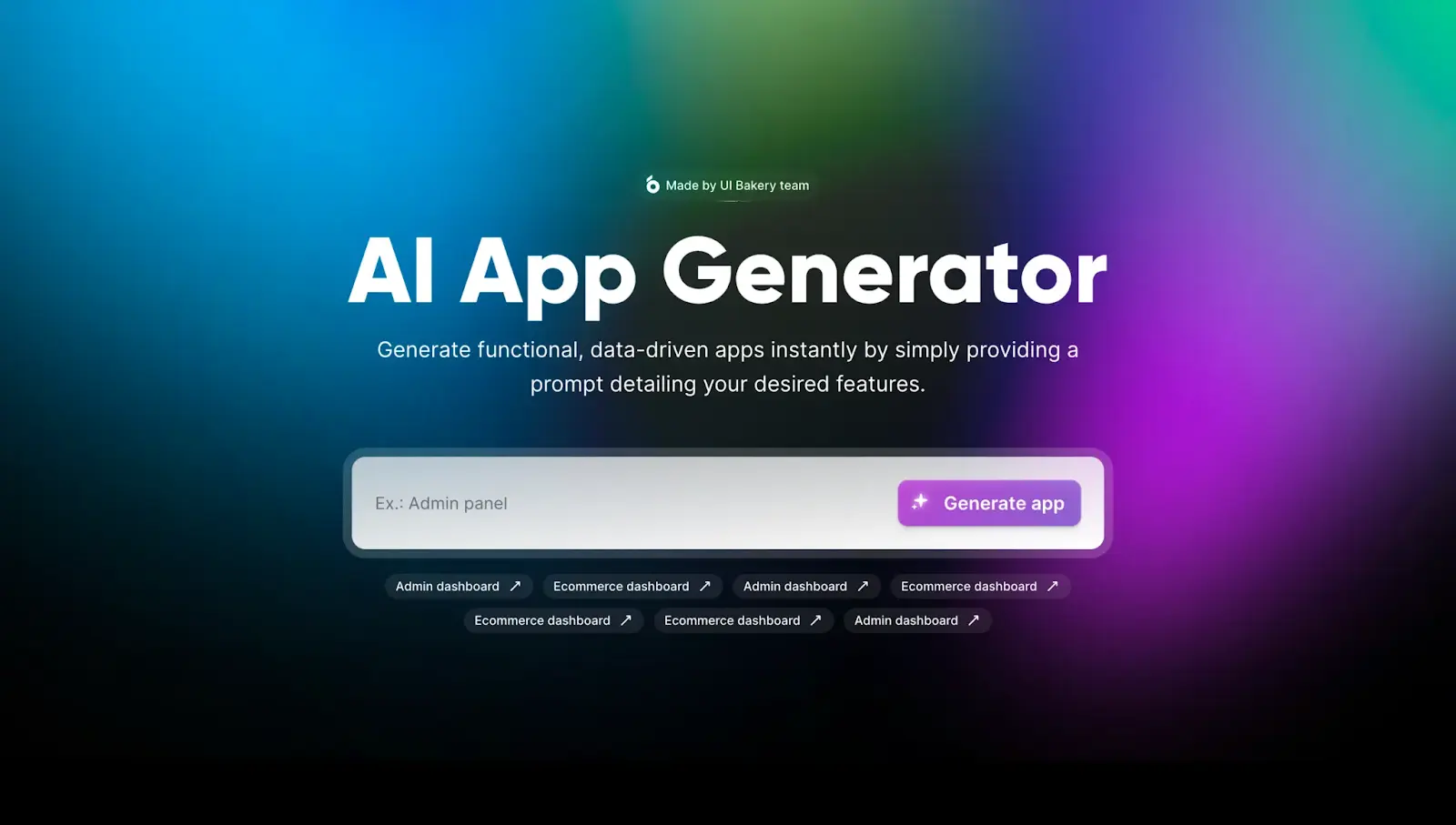
Bolt AI is an AI-powered app and web development assistant designed to help developers and startups rapidly build, test, and deploy applications. It offers a browser-based full-stack development environment where users can generate code from prompts, make edits, and deploy instantly. By reducing manual coding and setup time, Bolt AI accelerates prototyping and shortens the development cycle for businesses and individuals.
Key Features
Full-stack app development directly in the browser
AI-assisted coding with prompt-based code generation
Real-time editing and deployment support
Pre-configured templates for common use cases
Collaboration tools for teams and startups
Integration with popular frameworks and hosting platforms
Pros & Cons
Pros
-Enables rapid prototyping and MVP creation
-Reduces development complexity for non-technical founders
-Accessible through a web browser without heavy setup
-Supports collaboration and quick iteration
Cons
-Advanced customization may require coding knowledge
-Limited compared to full-scale IDEs for complex projects
-Pricing may not suit hobbyists with minimal needs
-Relatively new platform, so ecosystem is still growing
Cost Estimation
Free Plan
Price: $0 / month
Access: Limited AI app-building features
Features:
-Basic code and UI generation
-Limited project exports
-Access to community templates
-Standard response speed
-Usage limits per month
Best For: Students, hobbyists, or first-time users who want to test Bolt AI for quick prototypes.
Plus Plan
Price: Around $25 USD / month
Access: Full AI code and app generation features
Features:
-Unlimited AI prompts for app generation
-Faster code generation and editing
-Advanced integrations (e.g., APIs, databases)
-Priority access to new features
-Export full source code without restrictions
-Higher usage limits
Best For: Freelancers, indie developers, or professionals who need reliable AI support for real projects.
Team Plan
Price: From $30 USD / user / month
Access: Collaborative workspace and enterprise tools
Features:
-Shared workspace for team collaboration
-Higher request and project limits
-Centralized billing and team management
-Enhanced security & admin controls
-Priority customer support
-Deployment and integration assistance
Best For: Startups, software companies, or teams building and deploying production apps collaboratively.
Business Application
Startups
Quickly build and launch MVPs to test ideas.
SMEs
Create internal tools without hiring large dev teams.
Developers
Speed up prototyping, debugging, and feature iteration.
Innovation Teams
Experiment with new concepts and deploy faster.
Guidelines

Access Bolt AI
Open your browser and go to Bolt AI
https://bolt.new/?utm_source=chatgpt.com
Click “Get Started” or “Sign Up” to create an account.
Use your email or a supported sign-in option.

Explore the Dashboard & Help Center
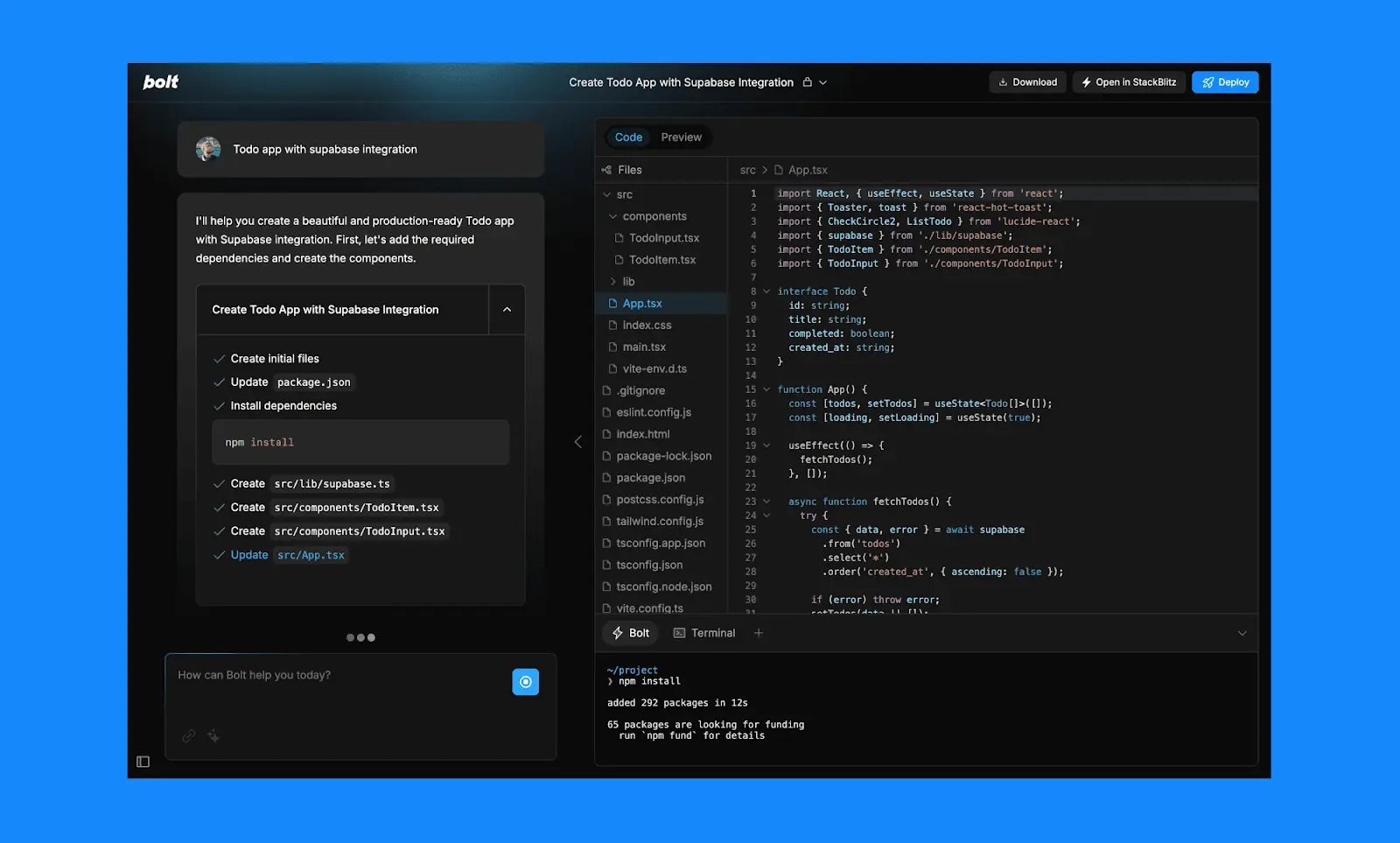
After login, you'll see the Bolt interface: prompt panel (left), code/design view (center or right)
Go to the Bolt Help Center / Docs for tutorials and support:
https://support.bolt.new/?utm_source=chatgpt.com
The docs include a QuickStart Guide and “Build your first app” steps.

Plan Your App / Project
Before prompting, decide what you want: define the features, design, and purpose.
Bolt supports uploading designs (e.g., Figma), or describing the UI in your prompt.
Use simple, precise language: e.g. “Build a to-do list app with authentication and backend storage.”

Write a Prompt to Generate the App ScaffoldStart Conversation
In the prompt area, type your request: what app, what features, how it should behave.
Bolt will generate code (frontend, backend, database) based on your prompt.
Review the generated structure and scaffold.

Edit & Refine the Generated Code
Use the integrated in-browser editor to adjust UI, logic, or styles.
Add or remove features, adjust database schemas, or integrate third-party APIs.
Bolt allows you to iterate—prompt again, refine, and re-run.

Test / Preview the App
Bolt offers a live preview in the same environment—no external server setup needed.
Interact with the app in the preview panel to test features, flows, and user experience.

Deploy Your App
Once satisfied, click Deploy. Bolt handles hosting and deployment behind the scenes.
You’ll get a live URL you can share.
Optionally export the codebase to host elsewhere (Netlify, Vercel, etc.).

Manage & Maintain
After deployment, you can go back and update features, add new screens, or refine UI.
Use Bolt’s versioning or history features (if available) to manage changes.
Monitor performance, logs, and bugs via the Bolt dashboard (if offered).

Integrations & Extensions
Bolt may allow connecting with external services (e.g. databases, payment APIs, auth providers) — check the “Integrations” section in docs.
You can import designs (Figma), connect GitHub, or sync with external data sources.

Best Practices & Tips
Start small: build a minimal viable prototype first, then expand.
Use clear, concise prompts. The more detailed your prompt, the better the result.
Test frequently during iteration rather than waiting till the end.
Keep your design and logic separate: tweak one without breaking the other.
Backup or export code regularly, especially before major changes.