
Pictory AI
Pictory AI is a video creation platform that transforms scripts, blog posts, and long-form content into engaging short videos. Powered by AI, it helps businesses and individuals repurpose content for marketing, social media, and training. With automatic captioning, stock footage, and text-to-video capabilities, Pictory AI makes professional-quality videos accessible without advanced editing skills.
Key Features
Text-to-Video Conversion
Turn blog posts, articles, or scripts into videos.
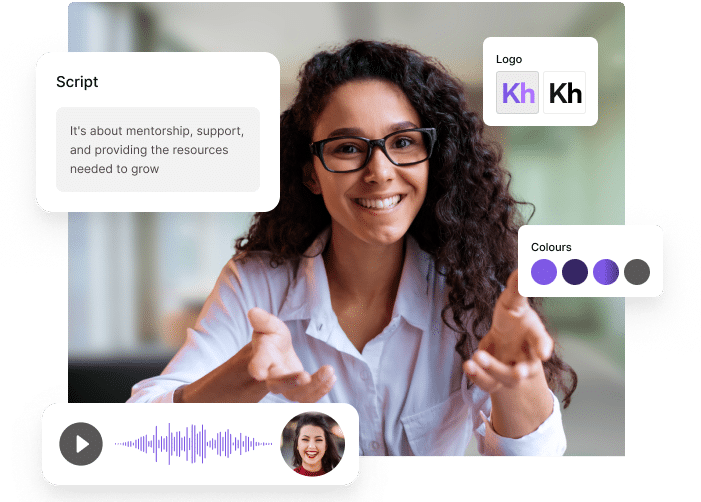
Automatic Captioning & Subtitles
AI-generated captions with high accuracy.
Stock Media Library
Access millions of royalty-free video clips, images, and background music.
Voiceover Support
Use AI voices or upload your own recordings.
Brand Customization
Add logos, fonts, and brand colors for consistency.
Video Summarization
Convert long webinars, podcasts, or recordings into short highlights.
Pros & Cons
Pros
-Saves time with automated video creation.
-User-friendly, no advanced editing skills needed.
-Large library of stock media.
-Great for repurposing blogs, webinars, and long-form content.
-Cloud-based, works on both desktop and mobile.
Cons
-Limited advanced editing features compared to pro video editors.
-Internet connection required (no offline mode).
-Watermark on free trial exports.
-AI-generated voices may sound robotic at times.
Cost Estimation
Starter Plan
Price: $25 USD / month
Features:
-200 video minutes
-2 million royalty-free videos from Storyblocks
-Unlimited standard voices in 7 languages
-No watermark
-Basic AI Tools
Best For: Creators just starting their video journey.
Professional Plan
Price: $49 USD/ month
Features:
-600 video minutes
-Advanced AI Tools
-18 million videos from Getty Images and Storyblocks
-Video summarizations of long videos
-Auto-sync of uploaded voice overs
-120 minutes of ElevenLab’s AI voices in 29 languages
Best For: Professionals, freelancers, and video creators who need professional-quality results.
Team Plan
Price: $119 USD/ month
Users: 3+
Features:
-1800 video minut
-18 million videos from Getty Images and Storyblocks
-Team workspace to share assets & collaborate on projects
-Professional onboarding and team training
-240 minutes of ElevenLab’s AI voices in 29 languages
Best For: Teams and businesses that collaborate on video projects at scale.
Business Application
Social Media
Generate TikToks, YouTube Shorts, and Instagram Reels quickly.
Marketing
Create promotional ads, social media reels, and product explainers.
Content Repurposing
Turn blogs or whitepapers into engaging video summaries.
Corporate Communication
Summarize webinars, internal updates, or long presentations.
Training & Education
Develop tutorials, learning materials, or explainer videos.
Guidelines

Sign Up & Log In
Visit Pictory AI:
https://pictory.ai
Create an account with email, Google, or social login.
Free trial gives limited exports with watermark.

Choose Your Video Project Type
When logged in, Pictory offers 4 main options:
Script to Video: Start with a written script.
Article to Video: Paste a blog/article URL.
Edit Videos Using Text: Upload a video and edit via transcript.
Visuals to Video: Create videos from uploaded images/clips.

Upload or Paste Your Content
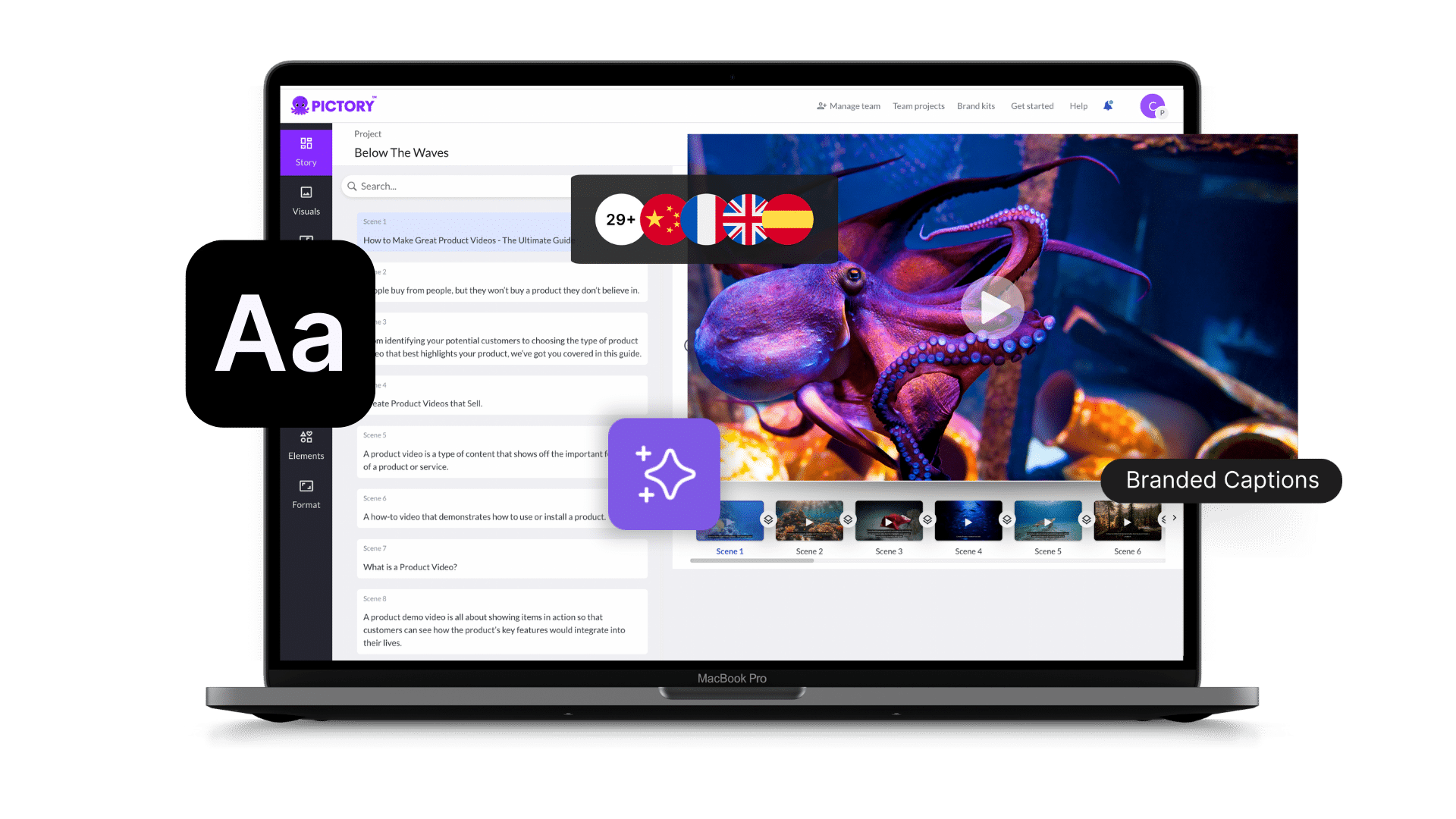
Paste script/blog text → Pictory auto-generates scenes.
Upload long-form video (e.g., Zoom recording) → Pictory extracts highlights.
Import visuals → Build custom video from scratch.

Customize Your Video
Edit captions and on-screen text.
Replace visuals with stock footage from the library.
Upload your own clips/images for brand alignment.
Add voiceover: Choose from AI voices or upload your own audio.
Apply brand kit: Upload logo, set fonts, and colors.

Preview & Fine-Tune
Click Preview to watch your video.
Adjust background music, scene timing, and transitions.
Fix any captions or voiceover mismatches.

Export & Download
Click Generate Video → wait for rendering.
Download in MP4 format.
Free trial adds watermark → Upgrade to paid for clean exports.
Share directly to YouTube, LinkedIn, or social media.

Best Practice
Always start with a clear script for better AI scene selection.
Use your own brand kit for consistent company branding.
Manually review captions as AI may misinterpret jargon or accents.
Keep videos short (under 3 minutes) for social media engagement.
Repurpose long webinars into highlight reels for LinkedIn or YouTube Shorts.