

Chuang Kit 创客贴
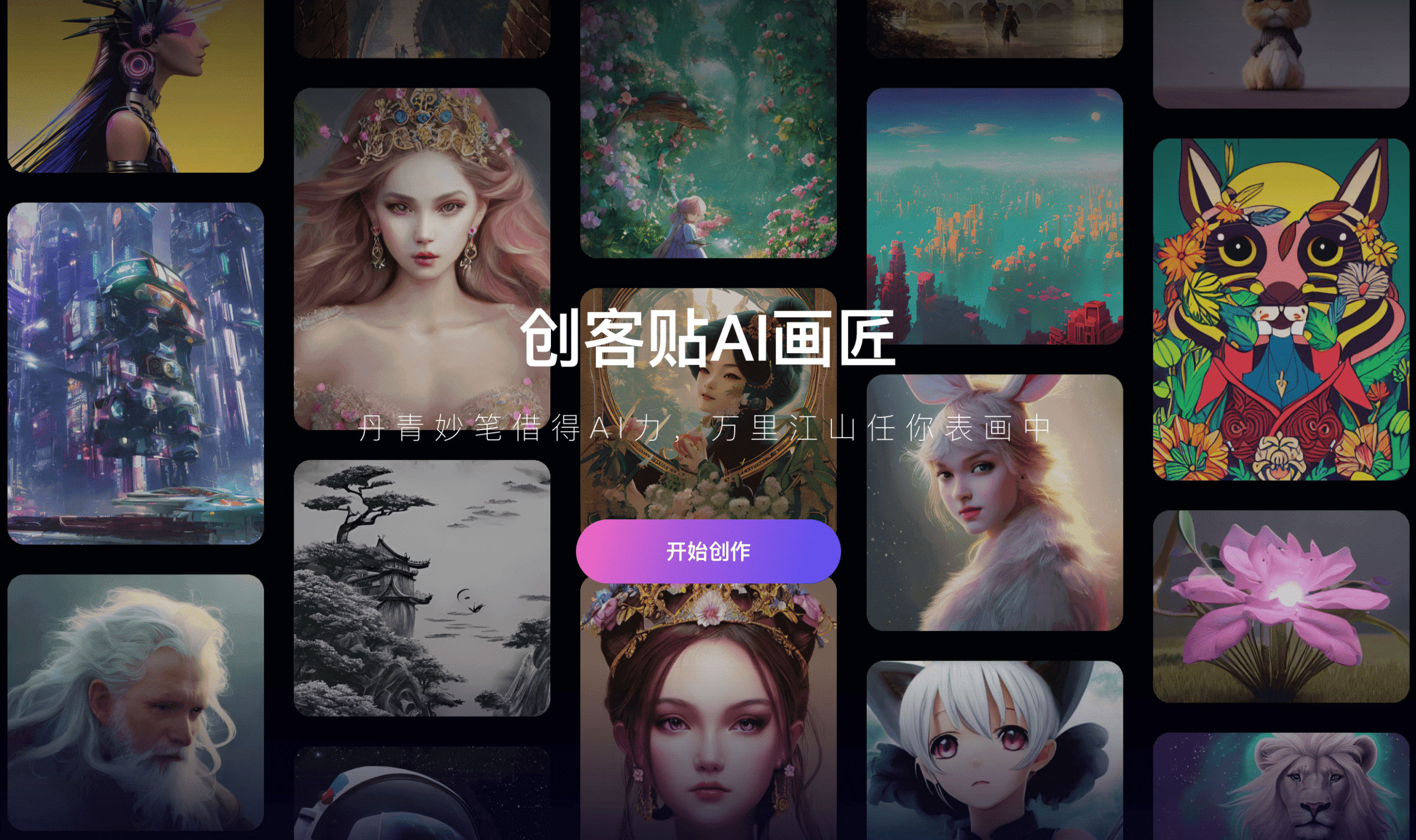
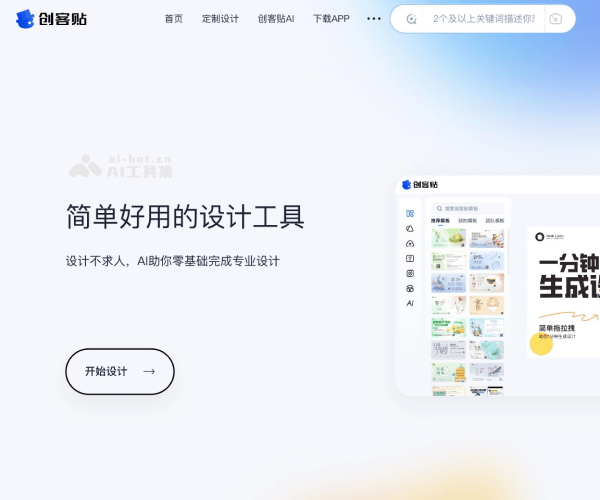
Chuang Kit (创客贴) is a user-friendly online graphic design platform similar to Canva, designed to help individuals, businesses, and teams create professional designs without advanced design skills. It provides templates for posters, social media posts, business cards, resumes, and presentations, making it suitable for marketing, branding, and communication tasks. Available on web and mobile, it enables fast design creation with drag-and-drop simplicity.
Key Features
Drag-and-drop editor with an intuitive interface
Thousands of ready-made templates for various industries
Rich library of stock photos, illustrations, and icons
Brand kit support (logos, colors, fonts)
Multi-device access (desktop & mobile apps)
Cloud storage for saving and editing projects anytime
Pros & Cons
Pros
-Easy to use for beginners with no design background
-Huge template and asset library
-Affordable pricing compared to hiring designers
-Supports personal and business branding
-Accessible from web and mobile apps
Cons
-Some premium assets require paid plans
-Limited offline functionality
-Advanced customization may be less flexible than professional design software (e.g., Photoshop)
-Collaboration features are stronger only in higher-tier plans
Cost Estimation
Free Plan (免费版)
Price: ¥0 / month
Features:
-Access to basic templates, design elements, and tools
-Cloud saving for projects
-Export with watermark / low-resolution exports
Best For: Beginners, personal use, or anyone just trying out the platform
Core Plan (通用版)
Price: From ¥10 / month
Features:
-Access to premium templates and design assets
-High-resolution exports without watermark
-Brand kit support (logos, colors, fonts)
-Priority customer support
Best For: Freelancers, small businesses, or users with higher design needs
Team Plan (协作版)
Price: From ¥14 / user / month
Features:
-Multi-user collaboration and shared workspace
-Multiple brand kits and role-based permissions
-Team asset management and approval workflows
-Enterprise-level support and training
Best For: Teams, agencies, or companies that need collaboration and centralized design management
Business Application
Branding
Develop business cards, logos, and branded templates for consistent design.
Marketing
Create social media graphics, posters, flyers, and advertisements.
Corporate Use
Produce resumes, reports, and business proposals.
E-commerce
Generate product catalogs, banners, and promotional visuals.
Education
Design presentations, infographics, and teaching materials.
Guidelines

Create an Account / Log In
Go to the official Chuang Kit website:
https://www.chuangkit.com/
Click 登录 / 注册 (Login / Register) at the top right

Choose a Template or Start from Scratch
Click 创建设计 (Create Design) from the dashboard or browse template:
https://www.chuangkit.com/templatecenter
You can select from thousands of templates in categories like:
Social media, Business, or Personal
Or click 自定义尺寸 (Custom Size) to create your own canvas with custom width & height.

Customize Your Design
Once you open the editor, you’ll see a drag-and-drop interface with multiple options:
Text (文字): Add titles, subtitles, and body text. Change fonts, size, and alignment.
Images (图片):
Upload your own images or select from the stock library.
Elements (元素): Shapes, icons, charts, stickers, and decorative graphics.
Background (背景): Set solid colors, gradients, or images.
Layers (图层): Arrange objects by moving them forward/backward.
Brand Assets (品牌库 – Pro feature): Upload your logo, fonts, and brand colors.

Save & Export Your Work
Click 保存 (Save) regularly to avoid losing progress. Your work will be stored in the 作品 (My Designs) section.
To download:
Click 下载 (Download).
Choose format: JPG, PNG, PDF, or MP4 (for video).
Free plan includes basic export quality. Pro plan supports high-resolution download and watermark-free export.

Share or Collaborate
You can generate a shareable link (分享链接) to let others view or edit the design.
Collaboration works in real-time, similar to Google Docs.
On Pro/Team plans, you can assign permissions (view/edit).

Best Practices
Always duplicate templates before editing – so you keep the original design for reuse.
Use consistent brand colors and fonts (especially for business users).
Optimize for the right format: use JPG for web, PNG for transparency, PDF for printing.
Check copyright: if you use stock photos, confirm whether it’s free or Pro-only.
Save a copy to cloud + local storage in case of accidental deletion.