

Chat GPT
ChatGPT is an advanced AI assistant that understands and generates human-like text and images. It supports a wide range of tasks, from drafting emails and creating content to answering questions and solving problems. Designed to work across desktop and mobile, it helps businesses and individuals save time and improve productivity.

Key Features
Natural language understanding and text generation.
Image interpretation and generation support.
Multi-turn conversations with context retention.
Integration options through APIs and third-party platforms.
Available on desktop, web, and mobile apps.
Pros & Cons
Pros
-Easy to use with no setup required.
-Versatile across industries and tasks.
-Available on multiple platforms.
-Constantly updated with improvements.
Cons
-May generate incorrect or outdated information.
-Internet access varies by version.
-Free version has limited features compared to premium plans.
-Lacks deep domain specialization without fine-tuning.
Cost Estimation
Free Plan
Price: $0 / month
Model Access: GPT-3.5
Features:
-Standard response speed
-Access via web and mobile apps
-Limited daily usage
Best For: Casual users who want to try AI for writing, learning, or quick assistance..
Plus Plan
Price: $20 USD / month
Model Access: GPT-4
Features:
-Faster response speed
-Priority access to new features (e.g., image uploads, advanced reasoning)
-Web browsing and plugins (available in most regions)
Best For: Professionals, students, or creators who need higher-quality and consistent responses.
Team Plan
Price: From $25 USD / user / month
Model Access: GPT-4 Turbo
Features:
-Shared workspace for team collaboration
-Higher message limits
-Centralized billing and admin controls
Best For: Small teams or startups using AI to streamline workflows.
Business Application
Knowledge Management
Summarizing reports, whitepapers, and academic resources.
Market Resource
Quickly gathering insights and trends with verified sources.
Decision Support
Assisting managers with summarized data for strategic choices.
Content Support
Helping writers and analysts with fact-checked information.
Education/Training
Explaining complex topics for students and professionals.
Guidelines

Access ChatGPT
Go to the official site:
https://chat.openai.com
Or download the mobile app

Create an Account
Sign up an account. Verify your identity via email or phone number.

Choose a Plan
Free Plan: Limited features with access to GPT-3.5.
ChatGPT Plus: Faster responses and access to GPT-4.
Team Plan: Tailored for businesses, more info at ChatGPT for Business

Start Conversation
Type your request in plain language. Example:
“Write a professional email to confirm a meeting tomorrow at 3 PM.”
“Summarize this report into 3 key bullet points.”
Use clear and detailed prompts to improve accuracy.

Explore Advanced Features
Chat History & Custom Instructions: Personalize responses under Settings > Custom Instructions.
Voice Mode (mobile app): Talk directly with ChatGPT.
Image Upload (Plus and Enterprise users): Upload an image and ask for analysis.
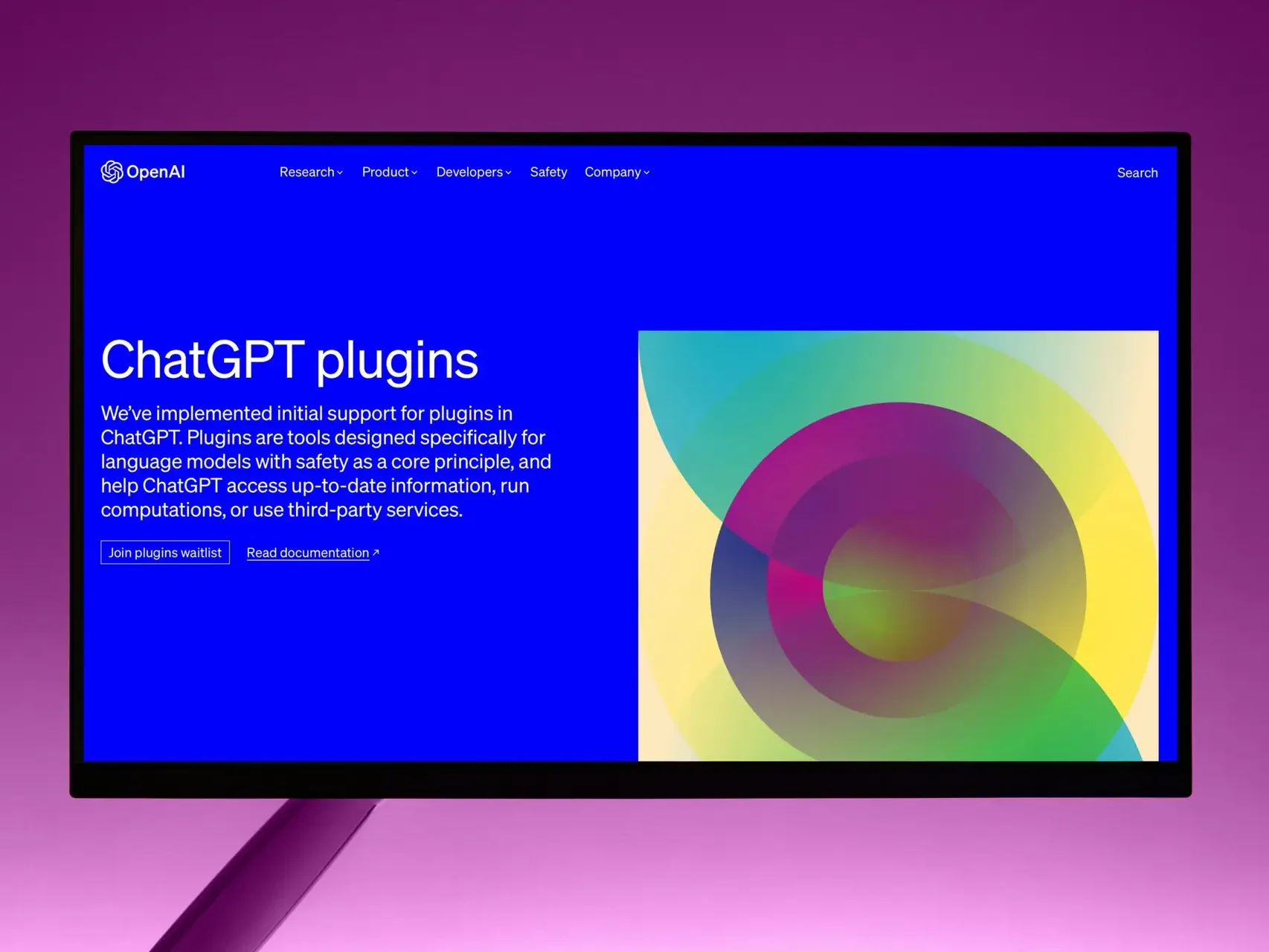
Plugins & Browsing (Plus/Enterprise): Access live web info and third-party services.

Use ChatGPT in Real Life
Customer Support: Draft responses or FAQs.
Marketing: Generate social posts, blogs, and ad copy.
Administration: Summarize documents, draft letters, or format reports.
Learning: Ask ChatGPT to explain complex concepts simply.

Best Practices
Be specific: Add details like tone, format, or length in your prompt.
Refine results: Ask follow-up questions or request adjustments.
Review outputs: Double-check facts and numbers before publishing.
Avoid sensitive data: Don’t paste confidential business or personal info.