

Dola AI
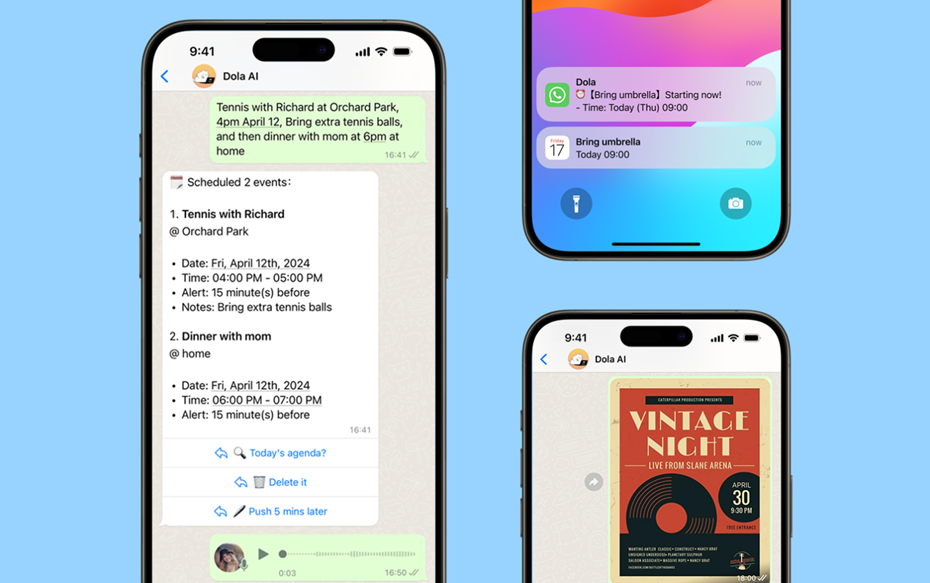
Dola AI is a smart scheduling assistant that integrates with WhatsApp and Google Calendar. It allows users to set up meetings, reminders, and events through natural language, voice, or image input. By simplifying scheduling and team coordination, Dola AI reduces time spent on administrative tasks and helps individuals and businesses stay organized.
Key Features
Natural language scheduling through text or voice.
WhatsApp integration for quick setup without extra apps.
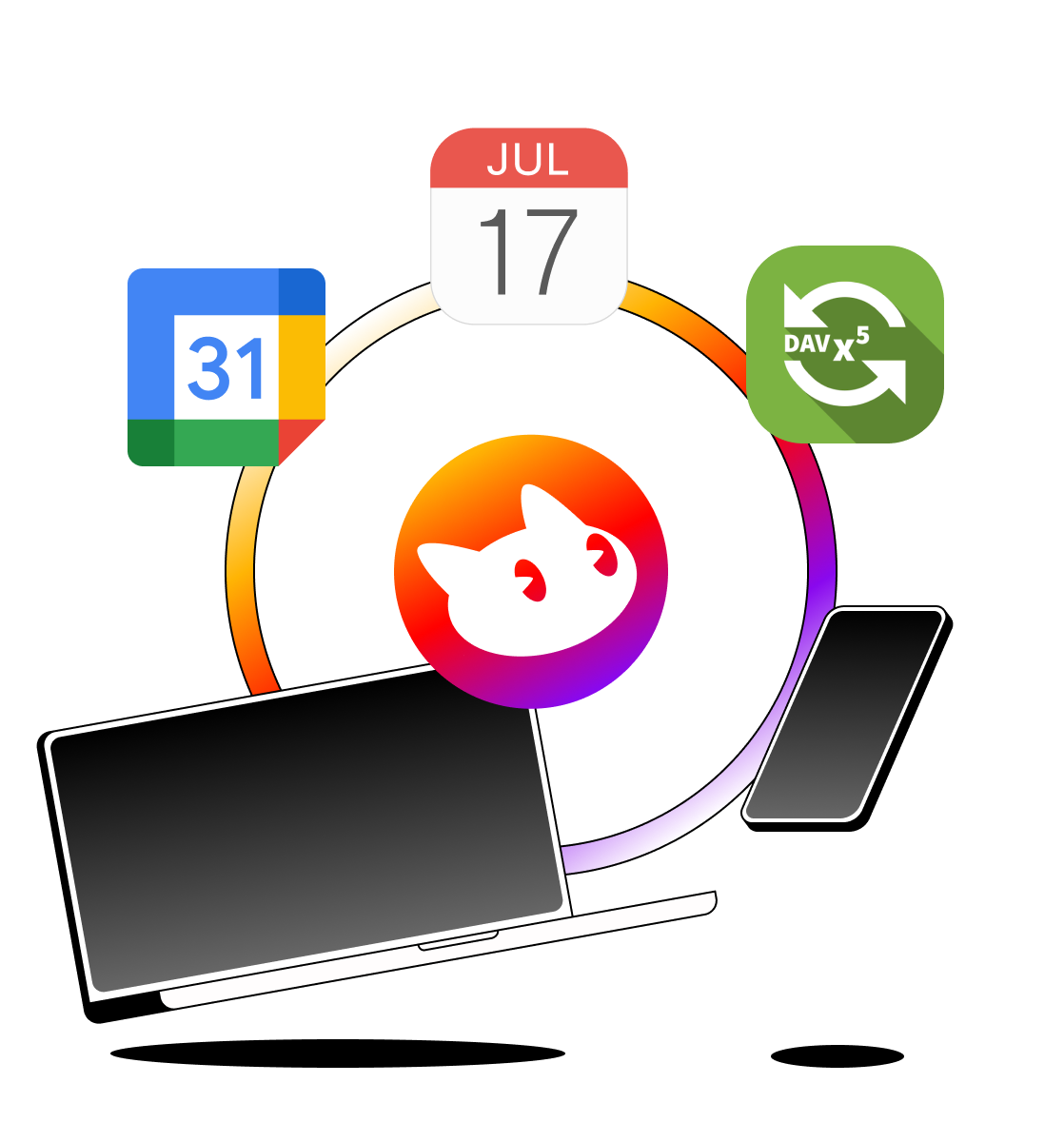
Google Calendar synchronization for automatic event creation.
Supports image-based scheduling (e.g., scanning event details).
Reminders and notifications for upcoming meetings.
Pros & Cons
Pros
-Very easy to use via WhatsApp.
-No need to install additional software.
-Strong integration with Google Calendar.
-Supports multiple input methods (text, voice, image).
Cons
-Limited to scheduling and calendar management only.
-Features may depend on WhatsApp/Google API availability.
-May not support complex workflows compared to full business automation tools.
-Requires internet connection to function.
Cost Estimation
Free Plan
Price: $0 / month
Access: Basic scheduling and reminders
Features:
-Schedule events via WhatsApp text or voice
-Google Calendar sync
-Standard reminder notifications
-Limited number of monthly events
Best For: Individuals or casual users who need simple scheduling help.
Plus Plan
Price: Around $3.59 USD / month
Access: Advanced scheduling features
Features:
-Unlimited event creation
-Smart reminders with customizable notification times
-Priority support and faster responses
-Team coordination features (sharing events with colleagues)
Best For: Professionals and small teams managing daily meetings and appointments.
Super Plan
Price: Custom pricing based on team size and business needs
Access: Full premium access + enterprise-level features
Features:
-Bulk scheduling and multi-user support
-Centralized billing and admin controls
-Advanced integrations beyond Google Calendar
-Dedicated account manager and priority service
Best For: Enterprises, startups, or organizations needing advanced scheduling automation.
Business Application
Administation
Simplifies meeting scheduling and reduces manual coordination.
Customer Service
Quick appointment booking through WhatsApp for clients.
Team Collaboration
Keeps all members aligned with automatic calendar updates.
Personal Productivity
Helps individuals manage daily tasks and reminders.
Guidelines

Visit the Official Website
Go to Dola AI Official Website:
https://yestoki.com/
Click on “Get Started” to begin the setup process.

Connect Your Google Account
Sign in using your Google account.
Grant permissions so Dola AI can access your Google Calendar.
This ensures all your scheduled events will sync automatically.

Enable WhatsApp Integration
After logging in, you’ll see an option to connect WhatsApp.
Save Dola AI’s official WhatsApp number (provided in your dashboard).
Open WhatsApp and send a greeting message (e.g., “Hi Dola”) to activate the assistant.

Create Events Using Natural Input
You can schedule events in multiple ways:
Text Example: “Schedule a client meeting on Friday at 2 PM.”
Voice Example: Record and send a voice note with meeting details.
Image Example: Send a screenshot of an event invitation or poster.
Dola AI will read your input and confirm the event details.

Confirm & Sync Events
Once the event is created, Dola AI will send you a confirmation message.
The event is automatically added to your Google Calendar.
You can view it directly in your calendar app or Google Calendar web:
https://calendar.google.com

Receive Reminders & Notifications
Dola AI will send you reminder messages in WhatsApp before the event.
You can adjust reminder times (e.g., “Remind me 30 minutes before”).

Manage & Adjust Events
To reschedule: Type “Change meeting to 4 PM instead.”
To cancel: Type “Cancel my meeting with John tomorrow.”
To view your agenda: Type “Show my schedule for today/this week.”

Manage & Adjust Events
For more advanced scheduling and support, check out Dola Premium at:
https://yestoki.com/pricing
Premium users get smart reminders, team coordination features, and priority support.