

Make
Make (formerly Integromat) is a powerful no-code automation platform that lets users visually build workflows connecting apps and services. It simplifies routine tasks, syncs data across tools, and enables intelligent operations without coding. Make works on desktop/web and supports automations that run in the background, helping businesses streamline processes and reduce manual work.

Key Features
Visual scenario builder (drag & drop)
Over 2,000 app integrations and modules
Conditional logic, filters, routers, and functions
Scheduled triggers and real-time webhooks
Data processing, transformation, and variable support
API access, custom modules & advanced features in higher plans
Pros & Cons
Pros
-Very flexible and powerful for complex workflows
-Rich integration ecosystem
-Visual interface is intuitive once you learn it
-Supports branching logic and data transformations
Cons
-Learning curve is steeper for non-technical users
-High usage can incur extra costs (operations-based pricing)
-Some advanced features locked behind paid plans
-Performance may slow for very large or complex workflows
Cost Estimation
Free Plan
Price: $0 / month
Features:
-1,000 operations per month
-Access to all core features
-Two active scenarios
-Community support
Best For: Beginners or individuals who want to explore automation at no cost.
Core Plan
Price: Starting from $10.59 USD / month
Features:
-10,000 operations per month
-Unlimited active scenarios
-Access to premium apps and modules
-Scenario scheduling up to every 1 minute
-Email support
Best For: Freelancers and small teams needing reliable automation with more resources.
Pro Plan
Price: Starting from $18.82USD / month
Features:
-10,000+ operations per month (scales with usage)
-Priority execution for scenarios
-Advanced error handling and data controls
-Access to premium integrations and features
-Higher limits for large workflows
Best For: Growing businesses or power users who require robust automation with faster performance.
Business Application
Operations / Admin
Schedule tasks, backup data, sync apps.
Marketing & Sales
Synchronize CRM, send emails, manage leads.
E-Commerce
Automate order tracking, inventory sync, notifications.
Customer Support
Ticket routing, auto responses, database updates.
Reporting & Analytics
Aggregate data from different sources, build dashboards.
Guidelines

Sign Up & Access
Go to the official website:
https://www.make.com
Click Get Started or Sign Up Free.
Choose a plan (Free, Core, Pro, Teams, Enterprise).

Quick Start / First Workflow
Explore the Dashboard
Once logged in, you’ll see the Scenarios dashboard.
Here you can create and manage automations.
Learn the basics in the official introduction:
https://www.make.com/en/help/getting-started/quick-start-guide

Create a New Scenario (Workflow)
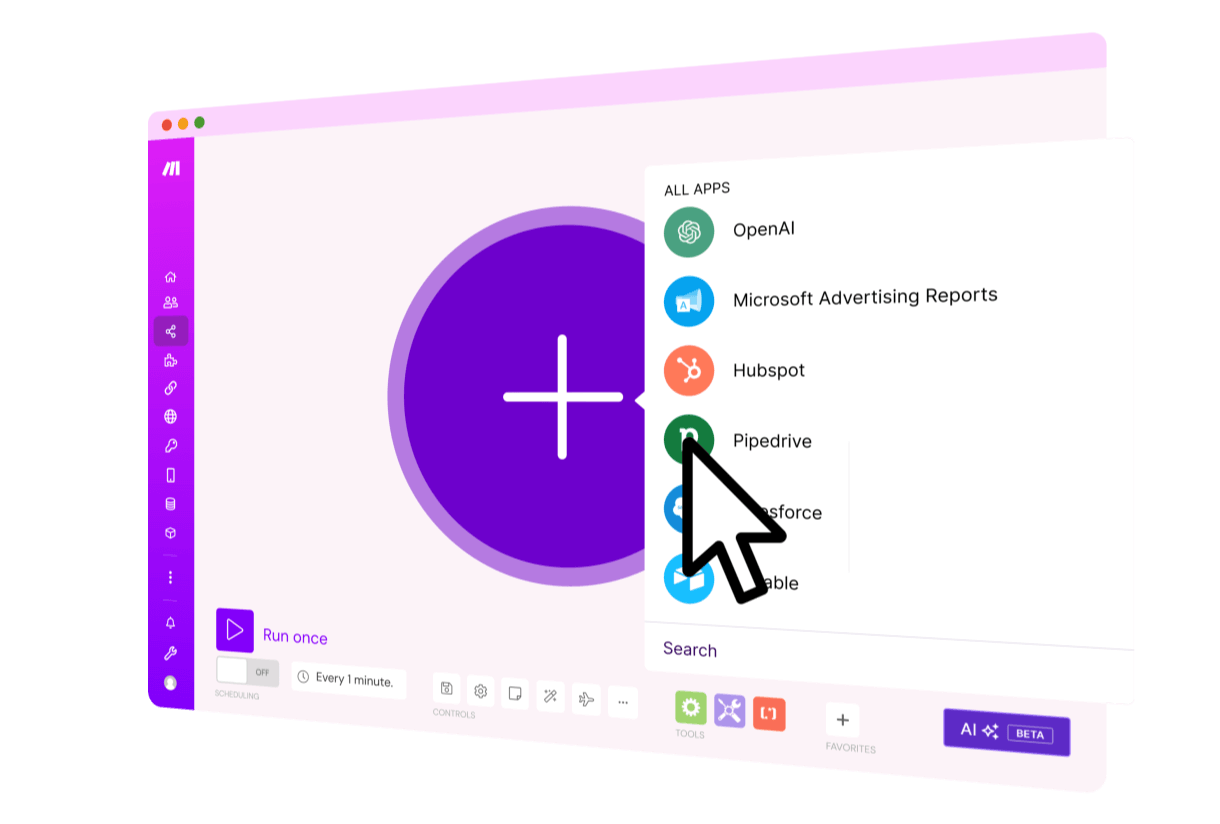
Click Create a new scenario.
Select the apps/services you want to connect (e.g., Gmail, Google Sheets, Slack).
Example list of supported apps:
https://www.make.com/en/integrations

Add a Trigger (Start Point)
Every scenario starts with a trigger.
Examples: “New email in Gmail” or “Row added in Google Sheets”.
Official tutorial:
https://help.make.com/get-started

Add Modules (Actions)
After the trigger, add modules (actions to perform).
Example: When a row is added in Google Sheets → Send a Slack message.

Use Filters & Routers (Logic)
Apply filters to control when a scenario runs.
Use routers to split paths (e.g., If rating ≥ 4 → send thank you email, else → send apology email).

Transform & Map Data
Use Make’s built-in functions to clean or change data.
Example: Convert date formats, extract text, calculate numbers.

Test Your Scenario
Run the scenario in test mode with sample data.
Debug using the execution log.

Activate the Scenario
Once working correctly, click Activate.
Set execution interval (every 15 minutes in Free plan, 1 minute in paid plans).

Learn & Explore More
Monitor & Optimize
Use the Operations dashboard to track credits usage and errors.
Fix issues with error handlers.

Collaborate (Teams & Business Users)
In paid plans, invite team members.
Assign roles (viewer, editor, admin).

Scale with API & Advanced Tools
Use Make’s HTTP module to connect any API.
Create custom apps and functions.
API documentation:
https://developers.make.com/api-documentation